
 James Read
9ce8b0ef12
ci: comment on resolved issues via semantic-release github plugin (#1138)
James Read
9ce8b0ef12
ci: comment on resolved issues via semantic-release github plugin (#1138)
|
1 週間 前 | |
|---|---|---|
| .github | 1 週間 前 | |
| docs | 1 週間 前 | |
| examples | 4 ヶ月 前 | |
| frontend | 1 週間 前 | |
| integration-tests | 1 週間 前 | |
| lang | 1 週間 前 | |
| proto | 1 週間 前 | |
| scripts | 3 ヶ月 前 | |
| service | 1 週間 前 | |
| specs | 1 週間 前 | |
| var | 1 週間 前 | |
| .dockerignore | 1 ヶ月 前 | |
| .gitignore | 1 ヶ月 前 | |
| .goreleaser.yml | 1 週間 前 | |
| .pre-commit-config.yaml | 1 ヶ月 前 | |
| .releaserc.yaml | 1 週間 前 | |
| AGENTS.md | 1 ヶ月 前 | |
| AI.md | 3 ヶ月 前 | |
| CODE_OF_CONDUCT.md | 5 年 前 | |
| CONTRIBUTING.adoc | 1 ヶ月 前 | |
| Dockerfile.multiarches | 4 ヶ月 前 | |
| Dockerfile.singlearch | 4 ヶ月 前 | |
| LICENSE | 5 年 前 | |
| Makefile | 1 週間 前 | |
| README.md | 1 週間 前 | |
| SECURITY.md | 1 週間 前 | |
| config.yaml | 3 ヶ月 前 | |
| local-antora-playbook-ci.yml | 5 ヶ月 前 | |
| local-antora-playbook.yml | 5 ヶ月 前 | |
| logo.svg | 1 ヶ月 前 | |
| renovate.json | 1 週間 前 |
README.md

OliveTin
OliveTin gives **safe** and **simple** access to predefined shell commands from a web interface. [](#none) [](https://discord.gg/jhYWWpNJ3v) [](https://github.com/awesome-selfhosted/awesome-selfhosted#automation)
[](https://bestpractices.coreinfrastructure.org/projects/5050)
[](https://goreportcard.com/report/github.com/OliveTin/OliveTin)
[-blue)](https://blog.jread.com/posts/ai-levels-of-autonomy-in-software-engineering/)
[OliveTin 2k to 3k upgrade guide](https://docs.olivetin.app/upgrade/2k3k.html)


All documentation can be found at docs.olivetin.app. This includes installation and usage guide, etc.
The AsciiDoc sources for that site live in this repository under docs/ (Antora component). The docs.olivetin.app repository contains the Antora playbook, theme supplemental files, and the workflow that publishes GitHub Pages.
Use cases
Safely give access to commands, for less technical people;
- eg: Give your family a button to
podman restart plex - eg: Give junior admins a simple web form with dropdowns, to start your custom script.
backupScript.sh --folder {{ customerName }} - eg: Enable SSH access to the server for the next 20 mins
firewall-cmd --add-service ssh --timeout 20m
Simplify complex commands, make them accessible and repeatable;
- eg: Expose complex commands on touchscreen tablets stuck on walls around your house.
wake-on-lan aa:bb:cc:11:22:33 - eg: Run long-lived commands on your servers from your cell phone.
dnf update -y - eg: Define complex commands with lots of preset arguments, and turn a few arguments into dropdown select boxes.
docker rm {{ container }} && docker create {{ container }} && docker start {{ container }}
Join the community on Discord to talk with other users about use cases, or to ask for support in getting started.
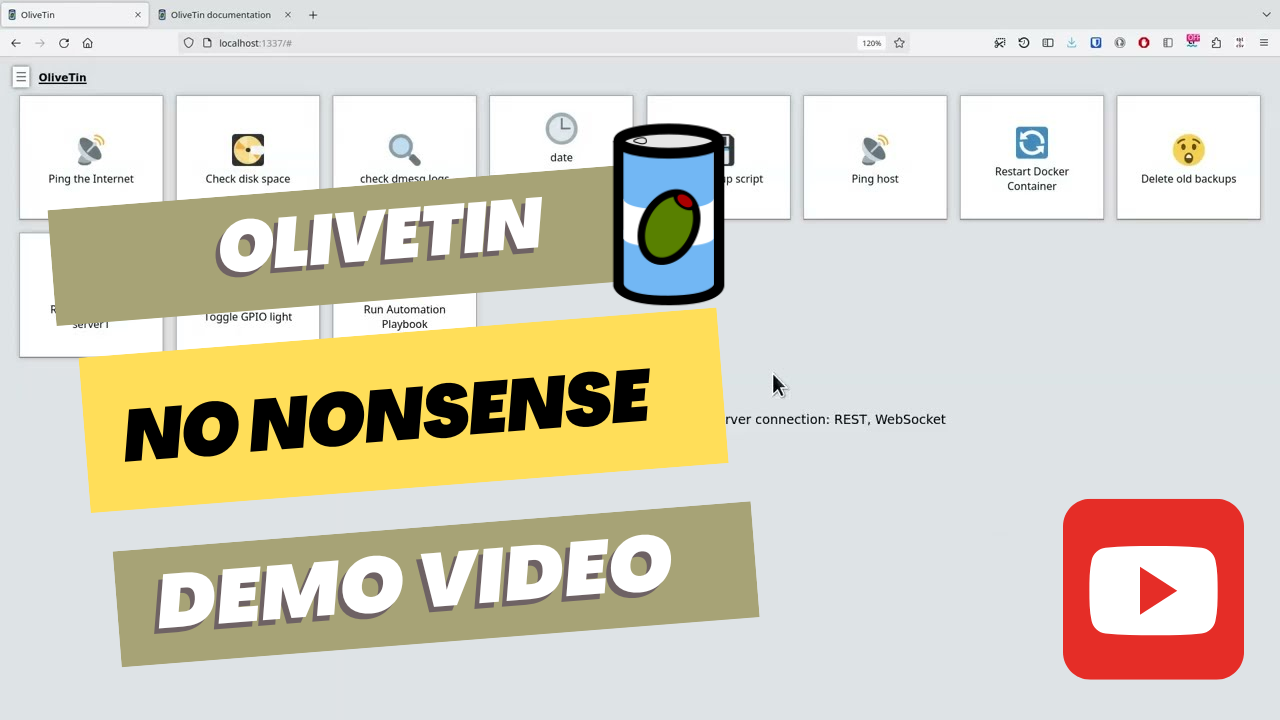
YouTube demo video
Features
- Responsive, touch-friendly UI - great for tablets and mobile
- Super simple config in YAML - because if it's not YAML now-a-days, it's not "cloud native" :-)
- Dark mode - for those of you that roll that way.
- Accessible - passes all the accessibility checks in Firefox, and issues with accessibility are taken seriously.
- Container - available for quickly testing and getting it up and running, great for the selfhosted community.
- Integrate with anything - OliveTin just runs Linux shell commands, so theoretically you could integrate with a bunch of stuff just by using curl, ping, etc. However, writing your own shell scripts is a great way to extend OliveTin.
- Lightweight on resources - uses only a few MB of RAM and barely any CPU. Written in Go, with a web interface written as a modern, responsive, Single Page App that uses the REST/Connect RPC API.
- Good amount of unit tests and style checks - helps potential contributors be consistent, and helps with maintainability.
Screenshots
Action buttons

Your predefined shell commands appear as simple, touch-friendly buttons, so anyone can run them safely without a terminal.
Arguments

Actions can ask for input before they run, with typed and validated fields, defaults and dropdowns, so commands only ever run with sensible values.
Command output

Watch a command's output live as it runs, along with whether it succeeded and how long it took.
Dashboards and entities

Build dashboards that group actions by the things you manage, such as servers or containers, with one set of buttons generated for each of them.
Execution logs

Every action that runs is logged, so you can see who ran what, when, and whether it succeeded.
Dark mode

OliveTin follows your browser's dark mode preference automatically.
Mobile layout

The responsive layout works well on phones and on wall-mounted tablets, so commands are a tap away wherever you are.
Screenshots use fictional test data and are regenerated with make screenshots
(see var/marketing/screenshots).
No-Nonsense Software Principles
OliveTin follows these principles:
- Open Source & Free Software: following the Open Source Definition and the Free Software Definition. All code and assets are available under the AGPL-3.0 License.
- Independent: No company owns the code or is responsible for the projects' governance.
- Inclusive: No "core", "pro", "premium" or "enterprise" version. The only version is the one you can download and run, and it has all the features.
- Invisible: No usage tracking, no user tracking, no ads, and no telemetry.
- Internal: No internet connection required for any functionality.
Documentation
All documentation can be found at docs.olivetin.app. This includes installation and usage guide, etc.
You can find instructions in the docs on how to install as a Linux package, Linux Container, on FreeBSD, Windows, macOS and other platforms, too!
Donations & Sponsorship
OliveTin does not accept monetary donations or sponsorship. See Donations & Sponsorship for the full explanation.
- Free code signing provided by SignPath.io, certificate by SignPath Foundation.